
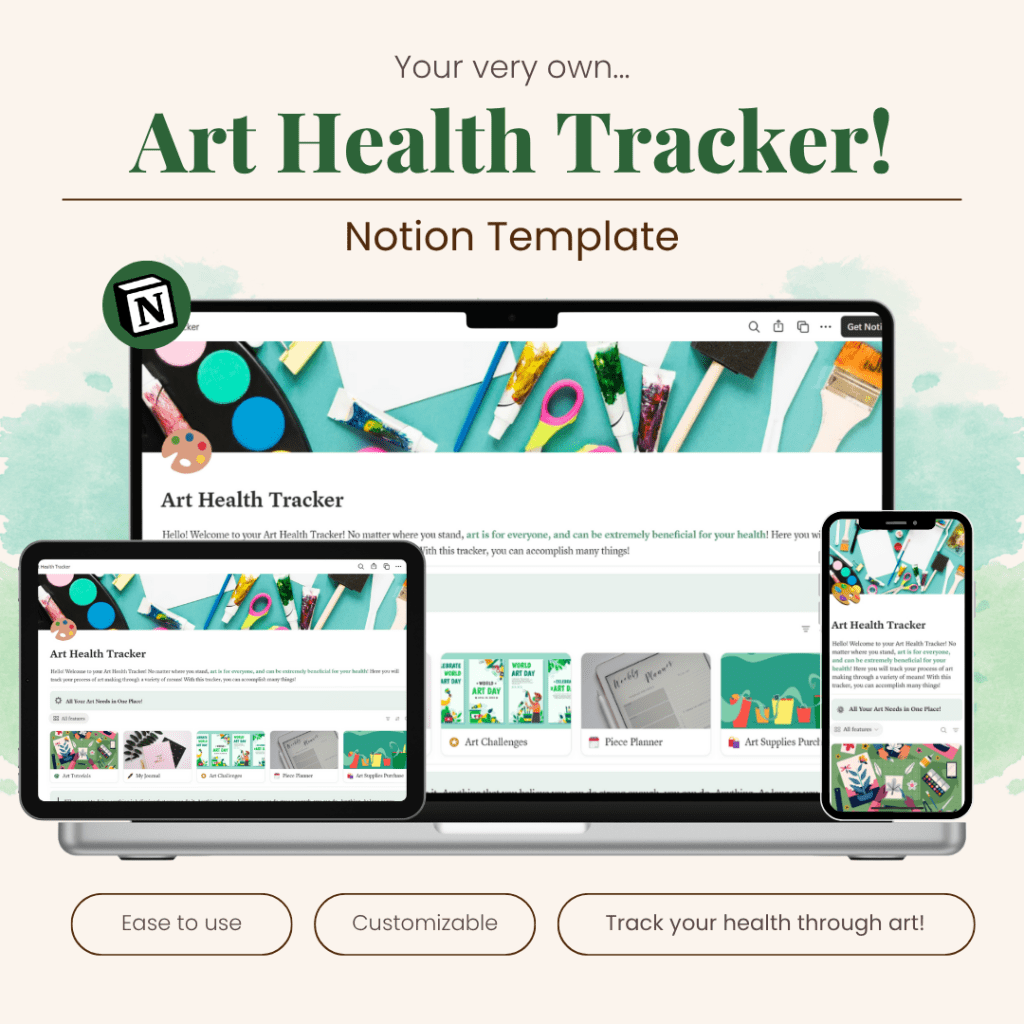
The day has come. The Art Health Tracker is now complete! Thank you to all who have come with me on this journey! The product is now completed to 100% of its task. Currently, I am at 90% for sales graphics, but once I am done, everything will be ready to be sold! I’ve had a great run. So lets review this product creation journey one final time.
Tools & Workflow: Notion
For this week, I worked with three main tools: Notion, Canva, and Etsy. Notion was up first. I cleaned up formatting issues, adjusted layouts, and finalized the key pages. Here are some of the pages I made:
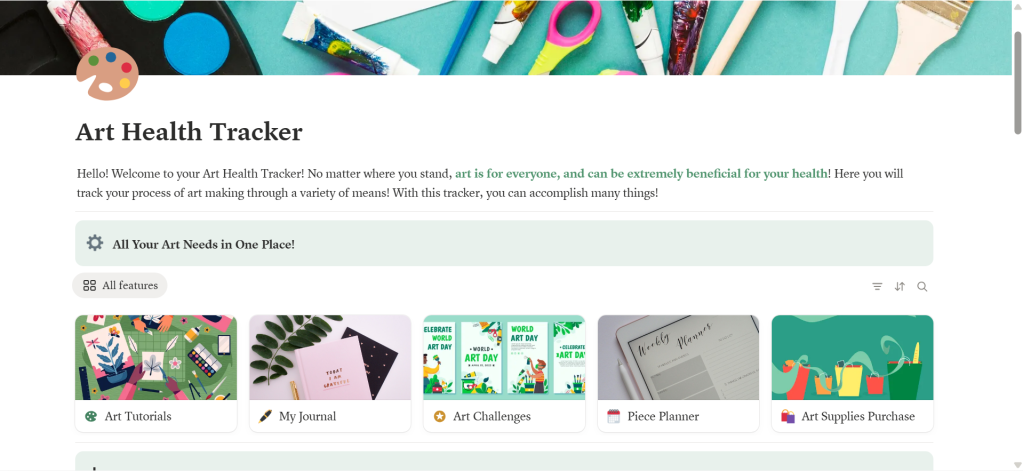
- A homepage that explains your art goals and shows your main features.
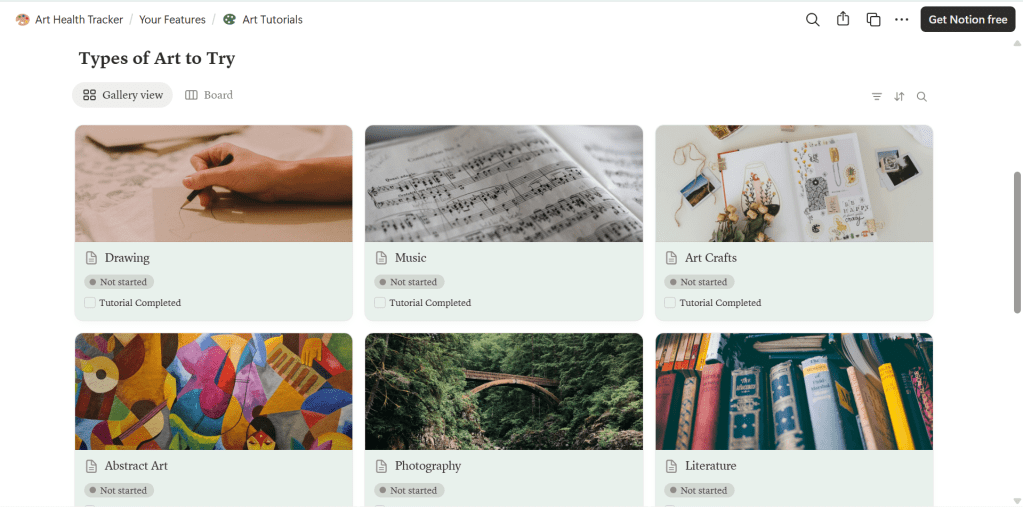
- A section for art tutorials so users can learn new techniques.
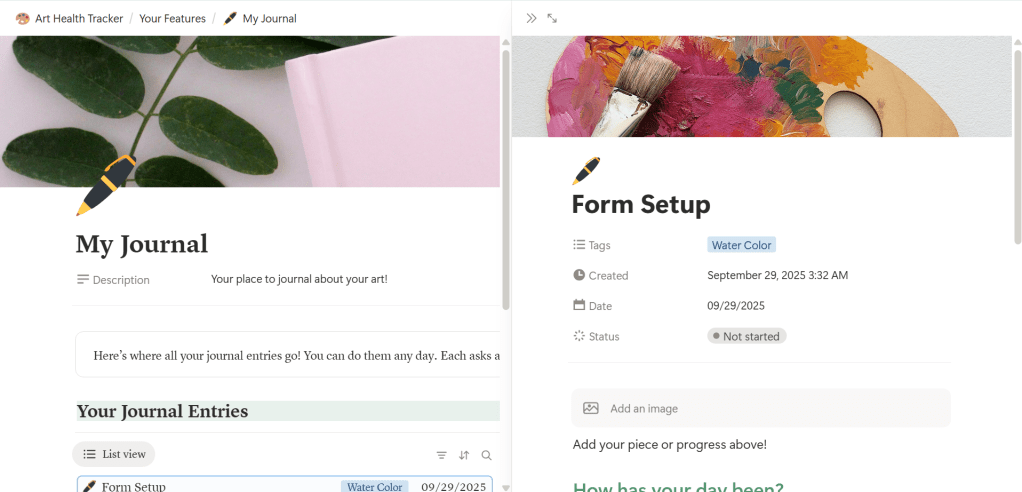
- Journaling section to reflect on artworks and it’s importance to the user.
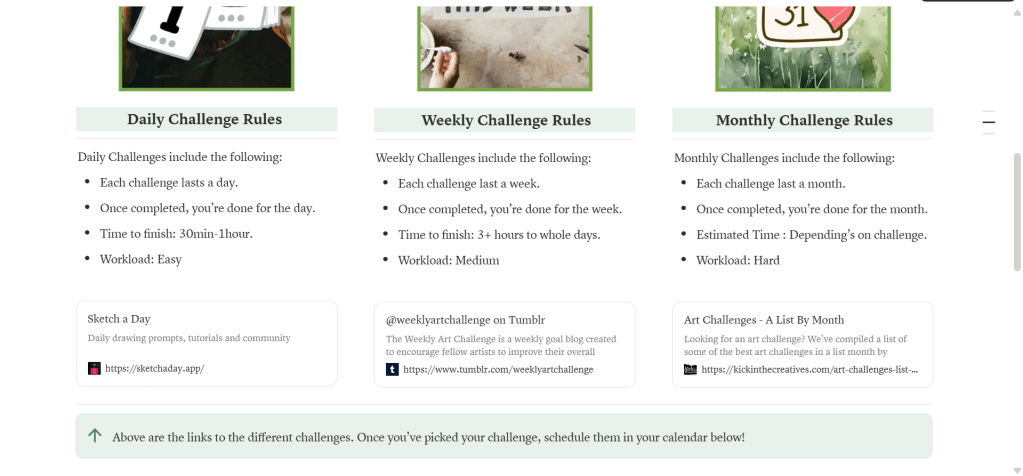
- An art challenges area for those who like guided prompts.
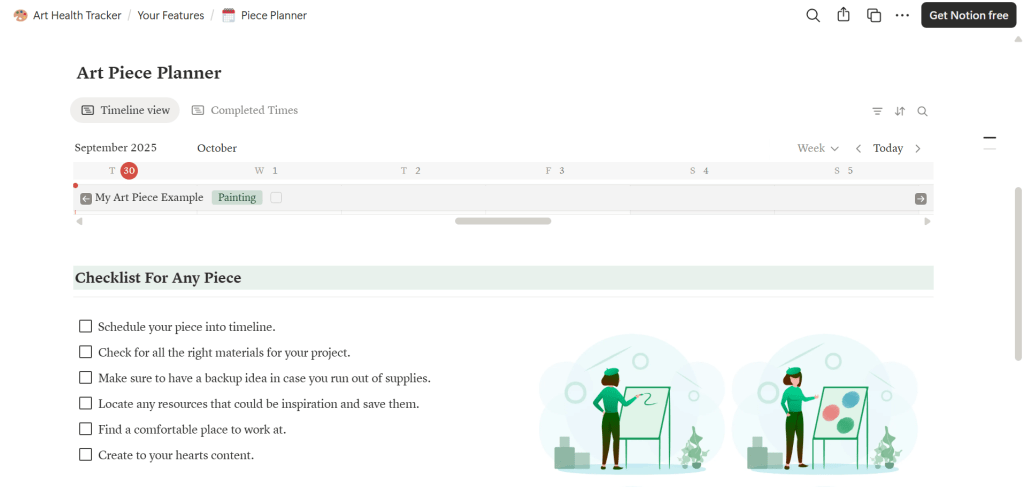
- A planner to schedule when and what to create.

- Even a supply list so people can find affordable materials.
Tools & Workflow: Canva and Etsy
Canva and Etsy were next. My goal in Canva was to create the sales pages for the user to view in Etsy. The actual creation of the images went rather well. However, Etsy was giving me a difficult time when it came to setting up a profile page. However, despite that the challenge, all of the materials are ready to be begin the process of uploading content.
Challenges & Problem-Solving
Even in the final week, challenges popped up. Time management was the biggest one. Figure out what needed to exist on the Notion tracker while managing to create sales pages was extremely difficult. However, I was motivated to continue because I knew that while time management was hard, it taught me to handle which content was important and which should leave.
Another challenge was simply learning how to sell online. The world of Etsy and Notion businesses is huge, and it can be intimidating. Luckily, I found helpful videos and tips from other sellers like How to Sell on Etsy in 2025 and How to sell templates on Notion. Their advice gave me a new way to think about managing my online product.
User Feedback
I also got great feedback from classmates, teachers, and friends. Teachers and peers gave me design feedback, pointing out what looked good and what needed fixing. My roommates also tested it out, and their reactions showed me which features people would actually use.
For example, one roommate loved the art supply section because it kept things affordable. Another loved the art challenges because they wanted structure and prompts. This feedback helped me refine the tracker into something practical, not just pretty.
Packaging & Delivery
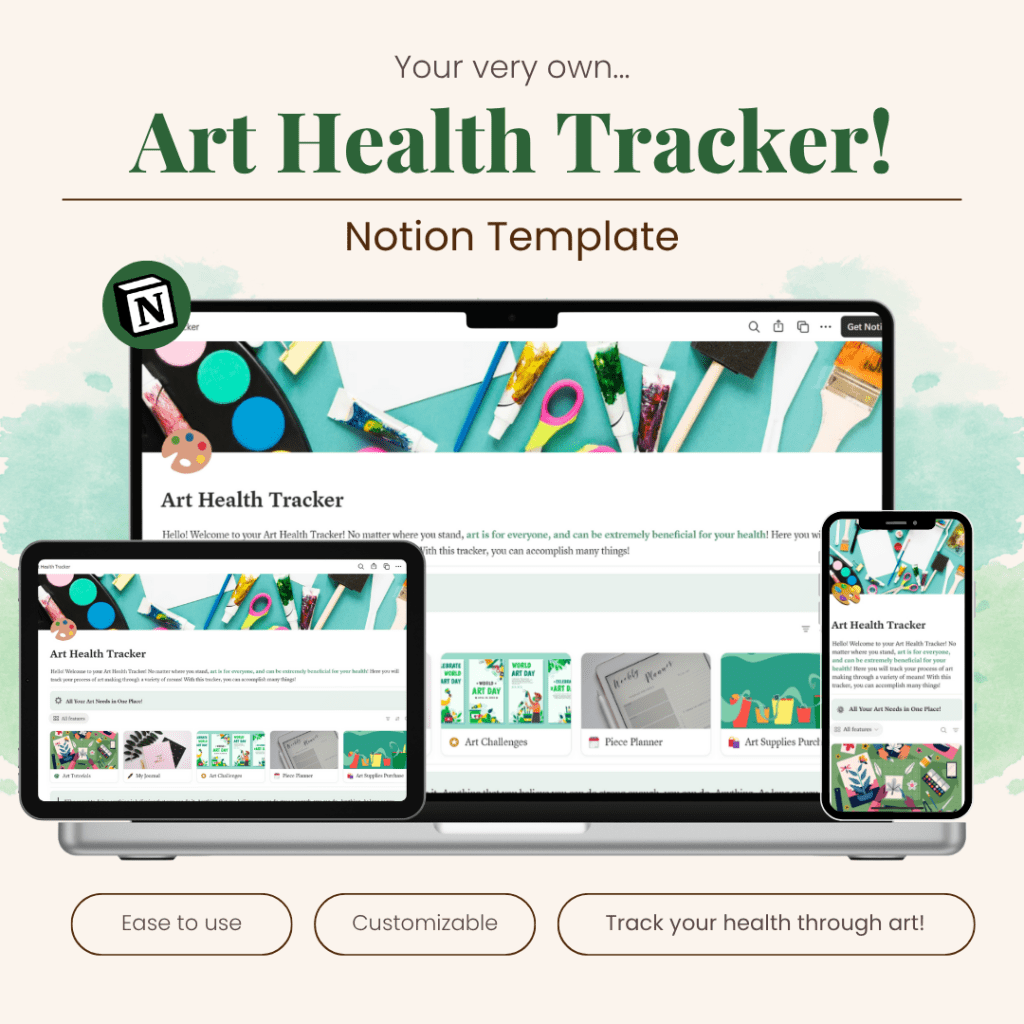
For my packaging, I am very proud of what I created for the tracker. I was so overwhelmed at first, how could I make something that stands out in such a huge marketplace? But then I noticed things.
Many of the tracker templates, especially on Etsy, had similar color palettes to each other and felt extremely complex to look at. So I shifted my worries and focused on making a series of works that were simple but effective at getting the users attention. I think I did pretty well with my design’s colors too. It stands out amongst the tan colors I kept seeing.
Reflection
What a journey. All that’s left is a few small tweaks to the Etsy profile and finishing touches on the instructional pages. When I look back at the process, I’m proud at how far the tracker has come. It helps people use art as a way to care for themselves, whether they’re total beginners or experienced creators and I really admire that.
The next steps are simple: finish polishing the sales pages, upload everything, and finally share it online. I can’t wait to see how people respond once it’s out there.
Here’s my full report if you want to learn more!


 The Simple Look
Leave a comment