
As I finished up the process of Week 2 of creating my product, I came here to reflect on my weeks of progress. While the road was long and frustrating, the progress has been worth it. If the final week has similar progress as this one, then everything will fall into place. For now, allow me to reflect on how all the styles of the Health Art Tracker came together this week
Progress Update
After the first week, I really wanted to step up my game, especially product wise. My focus was to learn Notion correctly and make big progress on many of the artistic themes of the tracker. So that’s were were I begin. I set up my goals, 1, create a mood board or inspiration packet of artworks that fit the trackers style and 2, search the web for instructions and videos about how to use Notion as a platform.
As this week came to end, I’d say I’m about 65% done. I have most the wording and art layout completely done. Most pages are in Notion, I just have tweak some of them. And lastly, my sales pages are around 25% done, but they too need some fixing. Overall, the week has been good!
Tools of the Week: Canva, Pinterest, and Notion
The two main programs I used this week were Canva, Pinterest and Notion.
I dabbled in Canva for a bit at the start, but most of the content had been created already. So I turned to a new area of focus: Pinterest! The platform prides itself on creative freedom of works and being able to save aesthetic works to your boards.
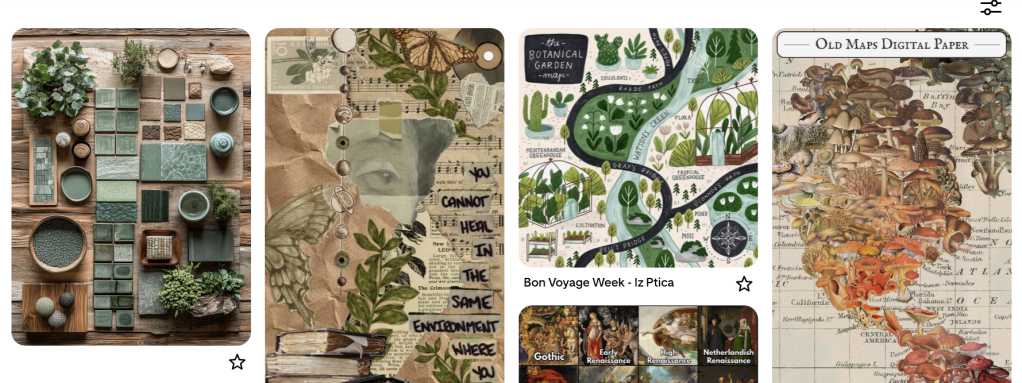
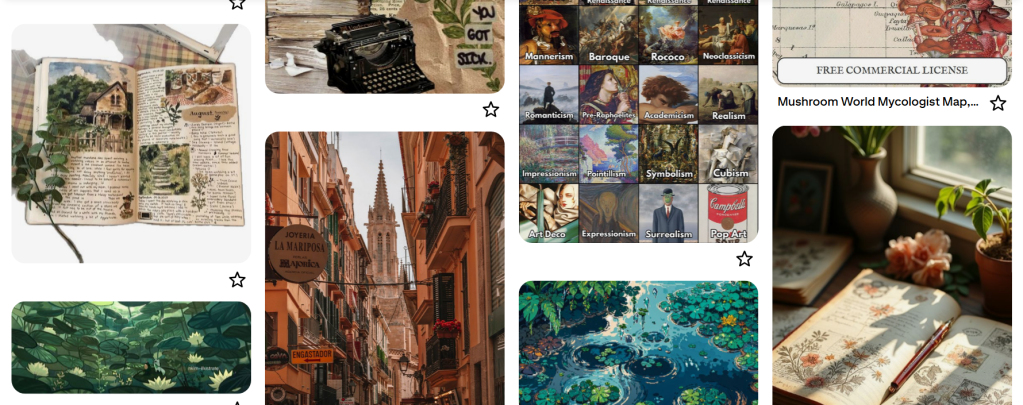
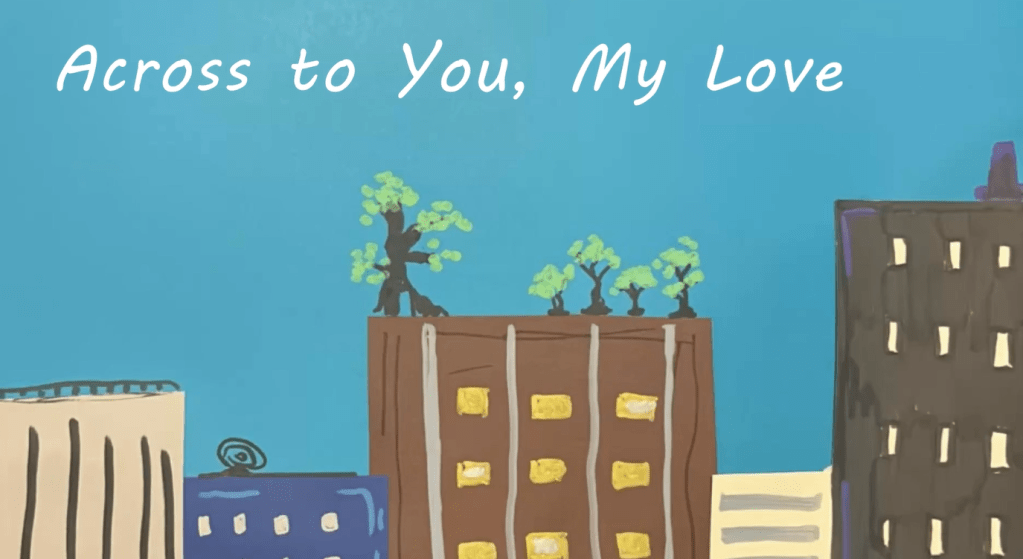
Above are some of the pieces of the mood board I created in the site. Much of the content feels soothing and creative, so I wanted those elements to be easily transferred over to Notion. As a result of the mood board, I was able to create a decent color palette and feeling that the tracker would have later on.
For Notion, I wanted to know everything I could to make the tracker look good. I continued using tutorials like How to Get Started in Notion or Notion Guides. As a result, I learned how to make the major features and pages in a timely fashion. I also studied many Etsy examples of planners to see what people may look for in a tracker.
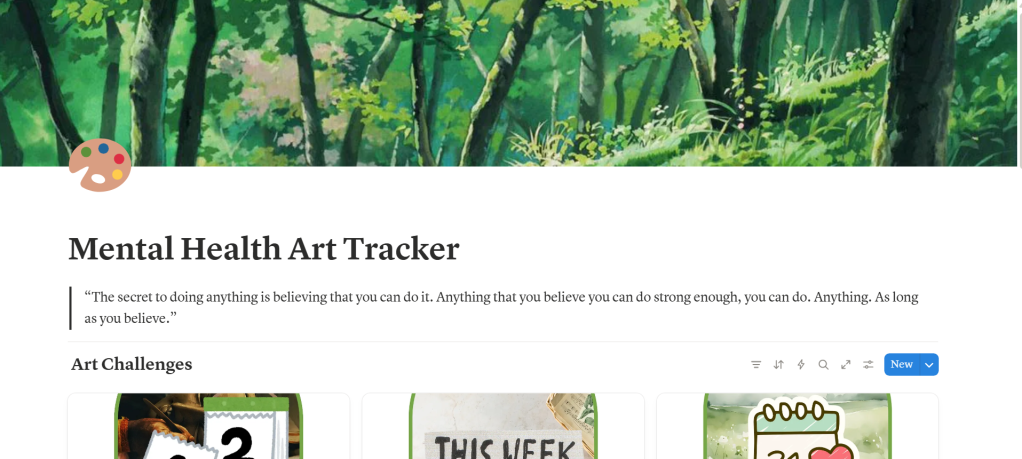
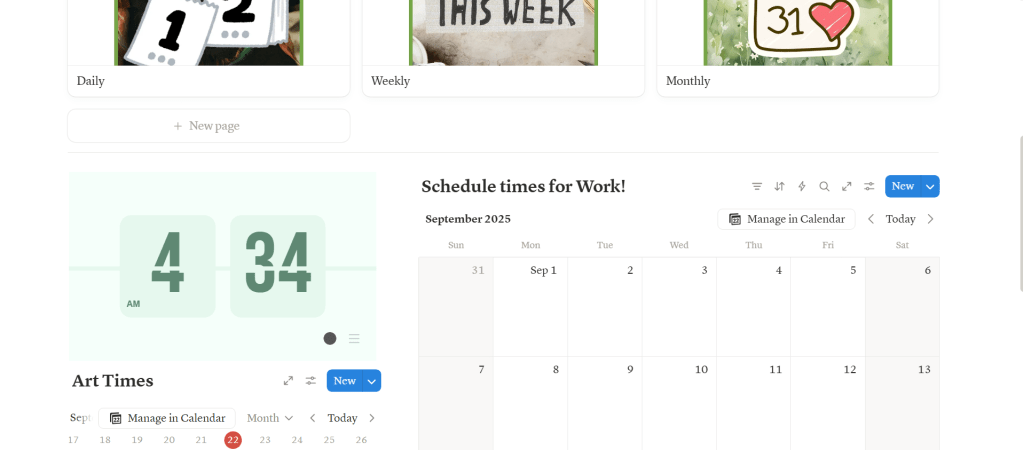
There weren’t too many problems, just many frustrations along the way when it came to learning to the program. However, those feelings didn’t stop the progress. Below is the homepage I created and honestly, I feel like its good, and that everything will come together.
Challenges Along the Way
The challenges this week were mainly involved with creating the tracker. Since this is my first using Notion, there were many tools that had me confused and even frustrated. However, I knew that progress would come slowly, and to give myself some credit even if I struggled at different points.
The other challenge this week was the name of the project. When I did user feedback on how the tracker was going, many found that the name may have been confusing. So I changed the name from Art Museum Health Tracker to Your Health Art Tracker.
User Feedback
This week introduced a new step to the product process: user feedback. In this, we gain how users feel about a product through tests, surveys and more. For me, I asked many of my friends who didn’t know art well to look at the tracker, so I could see if they could benefit from it. Many found the pages and setup to be nice, but to change the name and some of the elements like the calendar to be more spaced out.
Reflections and Next Steps
Looking back, I think I made a lot of progress this week! I managed to create the pages for the tracker in Notion and got most of the outside artworks and writing done through Pinterest and Canva. Everything went pretty well and I am extremely happy!
My next steps are to be focused on finishing up certain touches and creating more sale content through mockups, as they will play a key role in making a product sell. But that’s all for this week, and by next Sunday, this program will be completed.
Here’s my full report if you want to learn more!
 The Simple Look
Leave a comment