
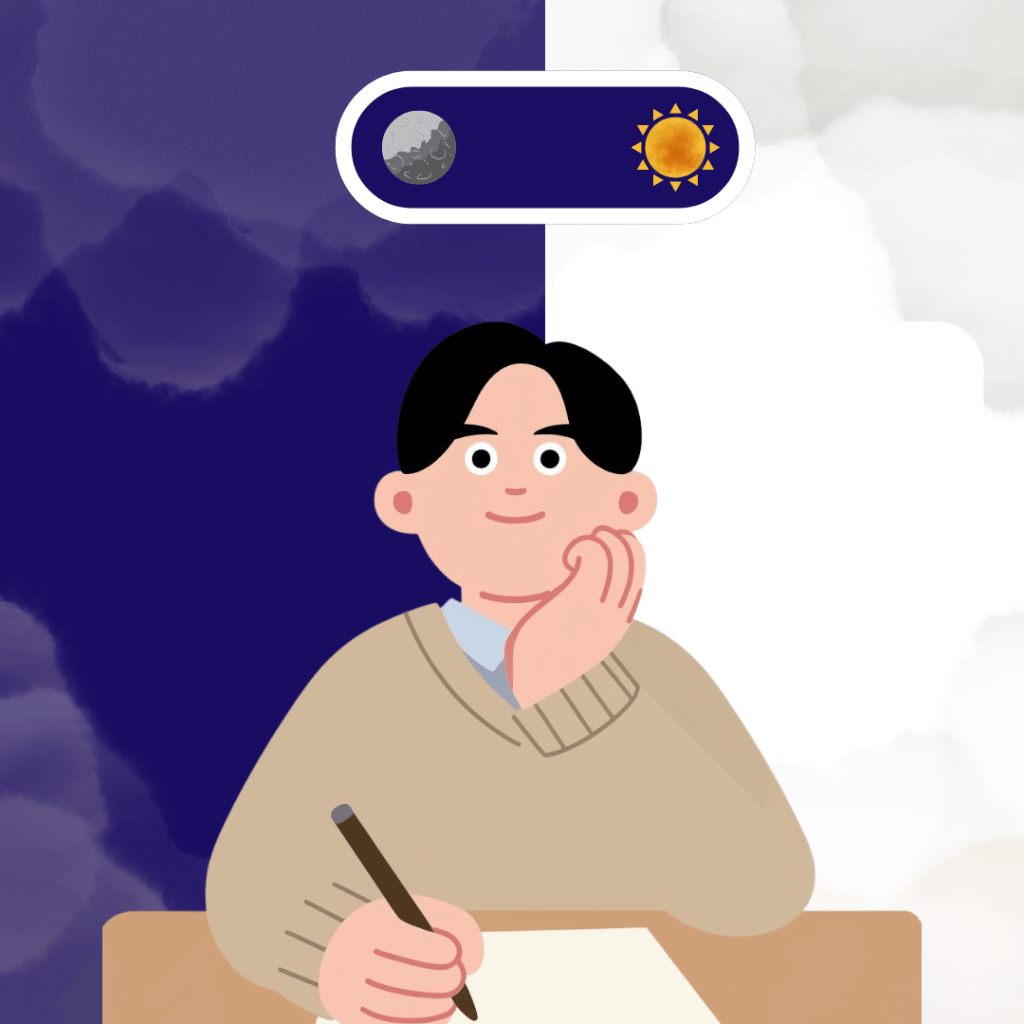
I have always been a fan of user experience. It is one of the fields I want to possibly work with in the future. Because there are many places that utilize user interfaces and the user’s experience. And today, I have the pleasure of creating my very user interface animation! And my main goal is to create something that funny enough, I’ve never created before: a Light to Dark Mode effect.
Animating Your Animated Story (Quite literally)
In order to make such an animation, we go to Animated Storytelling by Liz Blazer once again, we get into a very important chapter: Animating. There are a couple of things to note before we even start, such as creating a production calendar and protecting your tech. This includes having backups, extra storage, and constant saving to protect your work in the event of a device crash or file corruption.
Now we animate! We start off easy, break up the tough sections, and leave no shot left behind. Each animation should serve a purpose. Like for characters, be a “poser”. Focus on their movement and positions. Anticipate and follow through, compose directions and movement.
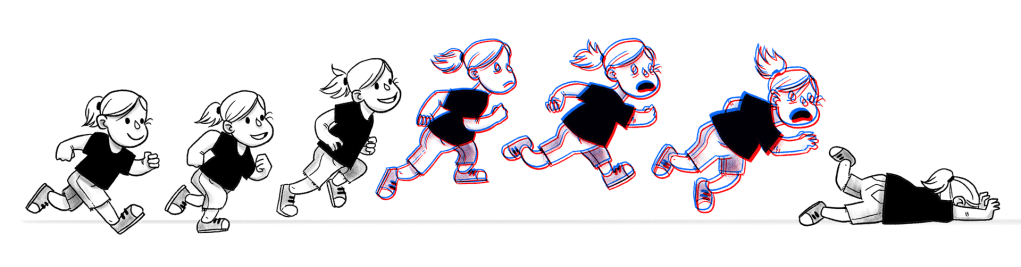
Once your main animations are done, mix it up! Get out of the center shots, mixing up the shot length and shot timing. You can also consider blurring some shots, as movement, especially when it’s not caught by the eye or camera, tends to blur together.
And lastly, Blazer talks about the sound. Use the music and sound effects to your advantage to hit the story beats; it adds adhesion and satisfaction to the animated elements on screen. This chapter was a lot, but overall, it was worthwhile. It gives great advice to how we can animate our stories and what we can add to them in the animation process.
Animation Adds to User Interfaces
User interfaces acts as a proper structure within our apps, websites and design. And every code and format allows for the easiest means of getting from point A to point B. And while the actual route is useful, an animation can really benefit the user’s experience. You can see in many instants that these little animations can add to the interface.
Search Bar Animation
A search bar is already a very in-depth code/system. And while the animation isn’t complex, you can see what the little additions really add to it. The mouse, the zoom in, its the little details that add to an already good interface.
Add to Cart Animation
One of the smallest but I think most effective user interfaces the animations/changes to when adding an item to online shopping kart (like in Amazon or any other store with that allows online shopping). This one is no different. Its a cute way having showing your item be put in the cart.
Transition Animations
Something that should be considered is any transitional animations. While they look good within the Apple advertisement, they actually show off not only the liquid glass feature but also how it looks within the phone itself.
3D Animations
A 3D recreation animation is also a great way of expressing a user’s experience. So for example, many mockups follow this form. You take your app or website and use a literal model of a phone/computer to give a physical illusion of what the user would experience.
Multiuse Animations
Like transitional animations, you can combine both transitions and user interface animations to show how an app/website works. This way you go from say a checkbox being clipped to an animation saying you completed that item. They may be different animations but ultimately serve the goal of bringing satisfaction to the user.
Working in the World Between
Now that I got everything understood, I began creating! The process first started off slow. I looked at how similar animations were done in Figma and Adobe XD on YouTube and found that many use the themes and animations to their advantage (ex. sun and moon theme, easy switching, fun gradients).
With these, I wanted to incorporate these elements but in a fun way! So I created my file in After Effects and began working. I really wanted to add shape effects to make the transitions pop! So I worked and worked, and I finally got into a rhythm. A couple computer crashes and a 3 hours later, I finished the file with some fun music and sound effects! And I really like how it turned out, it was a good mix of classic user interface but with a bit of a poppy feeling!
So thank you for reading and hope you all have a great day!
 The Simple Look
Leave a comment