
One move. One change to a frame. That’s all it takes for a single image to become a source of entertainment and interactivity. What am I talking about? Why, I am speaking of GIFS! You may think that they are just simple, quirky graphics on the internet. Heck, some people won’t even bat an eye at them.
But let me tell you. GIFs aren’t just silly short videos; they can be a fundamental tool that anyone can use. You can use them for business engagement, quick and effective art, and even act as a silly way to convey emotions and reactions online. I am going to demonstrate this by creating some of my own GIFs today!
Animated Storytelling For Beginnings
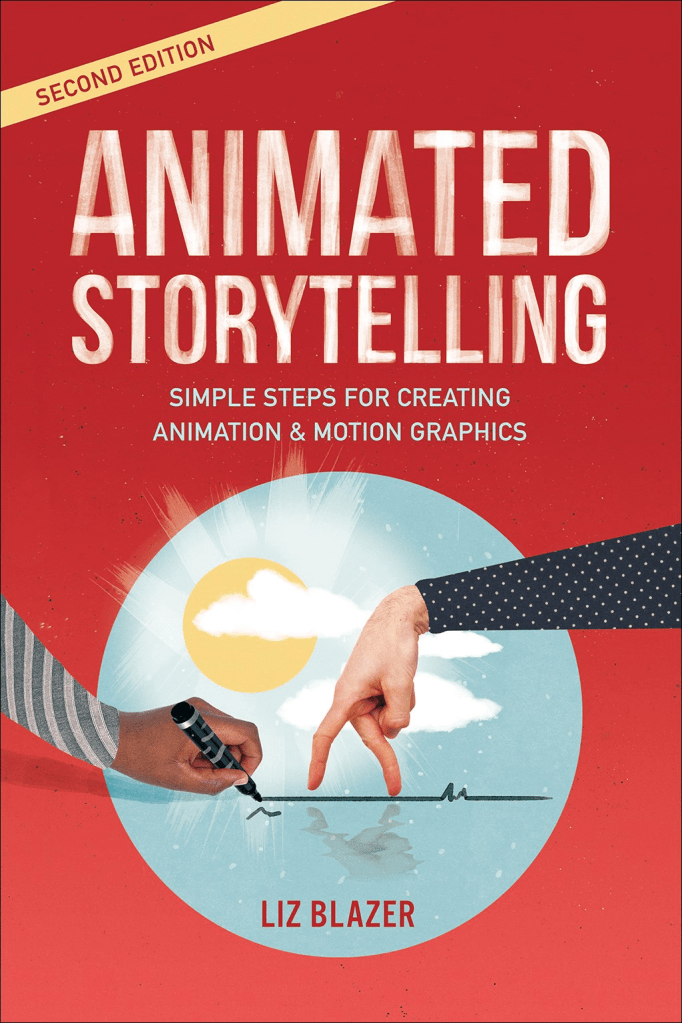
To make my own GIFS, I need to get a good grasp on the best way of approaching them. So, I’ve begun reading Animated Storytelling: Second Edition by Liz Blazer. It’s a great book so far, and from what I’ve read, the information can help anyone learn to start animating on their own. I will continue reading the book throughout the next couple of weeks.
Introduction
Firstly was the introduction. This small section does a lot to introduce the relationship between animation and motion graphics. They both utilize movement and often follow similar learning curves. However, Blazer states that animation follows a lot of rules like film, following experimental techniques and character driven stories. Meanwhile, motion graphics focuses on branding and content. It is in Animated Storytelling that both worlds are combined.
Chapter 1: Pre-Production
The real learning comes from the first chapter: Pre-Production. In this chapter, Blazer explains that planning is fundamental to animated storytelling and that following these three rules leads to success:
- What is it you’re making?
- What will it look like?
- What will it be made of?
She responds to each question with individual steps. When it comes to what you are making, focus on concept development. You can accomplish this in multiple ways, but she recommends making a creative brief, summoning the muse (write ideas to learn what you want), and zeroing in (clarifying your tone and story objectives).
So what will it look like? You now start previsualization. This is where you focus on the visual development of your idea. Blazer recommends multiple tips to help here. Find what influences you, experiment, and use design to impact story elements. Your visuals really affect what you show to the world.
Lastly, what is this idea made of? Asset building. You must begin to build the framework of the vision. All it needs is to be a single frame. It doesn’t need to be complex either. Blazer finishes off by saying that despite this outline, with all other steps, you get a bigger outlook on where everything will go, even if as a start. Overall, the author did a great job explaining these concepts in an easy matter and I’m thankful to have such a guide.
A Silly Little GIF Turns Simple Imagery to Interactivity
Now with my framework, I want to find all sorts of GIFs that stood out to me the most. Because right now, there are so many different types, with many being a mix of hand drawn animations, clips of movies and videos, and finally, graphics designed to be attention grabbing. So here are some of my favorites.
1. Cynthia Erivo Reaction
This is one of my favorite reaction GIFs that have come from social media as of late. The GIF depicts part of a video of when Cynthia Erivo was going to the premiere of Wicked Part 2 in London. The Tiktok was cut down into this shocked reaction of when she discovered a fan had found her missing hat. Its a cute GIF that spread all across social media platforms and serves as a way to react to video content users find shocking/appealing.
2. A Little Frog In The Snow
I’m a big fan of hand drawn animation. And like professional animated works, many GIFs are hand drawn too. This little guy is created by Fric. He’s an artist who makes a lot of frog themed reaction GIFS. But I found his frog snow day to be one of his best. Everything is hand drawn. The snow falling, the pilling snow on his head, and the frog shivering. You can also see that some lines are choppy, like the outline of the frog. Its not just complex, but also a silly away of conveying a cold day for the frog.
3. Diet Coke Results in Winning (literally)
Its not just the user who benefits from GIFS, but companies can too. I found this Diet Coke one from Giphy, and I think it illustrates what GIFs do best. Having the can turn into a trophy with the word “winning” being above it is such a cool way of showing off the product. Plus with how smooth the transition is, its absolutely mesmerizing to look at. The GIF provides satisfying movement but also can result in user engagement.
4. Obi-wan Cinemograph
One of the most cool techniques that you can do with GIFs is make cinemographs! They create the illusion of everything in a scene being completely still like a photo/image until you notice a part is actually moving. An example would be an image of a busy car intersection, but only the stop light is blinking, nothing else would be moving.
Like wise, this Star Wars one does the same. In the original scene, Obi-wan, C3PO, and Luke are moving. They are people moving the background as well. But in this GIF, only his hand moves. It creates this cool effect of life to what should an still image but isn’t. Its wildly trippy.
5. Look Out for that Chair!
Another cool way I found GIFs could be made were through Stop Motion. This is the combination of taking multiple photos (frames) and putting them together to create an animation. This chair GIF does a great job at stop motion too! It illustrates the guy being hit by having multiple frames of the chair coming down. And the frames add little details to make it more realistic (parts of the chair break off, the guy gets squished by the chair and more). Its a simple but effective stop motion GIF.
Creating GIFs Made My Week Great!
Now, I began my own animated GIF journey. There were a couple things I wanted to create. For starters, I really wanted to understanding 3 things: movement, lighting and speed. Each would play a key aspect in each GIF, even they seemed small in the grand scheme. So here’s what I made!
Cut Out: Neon Sign
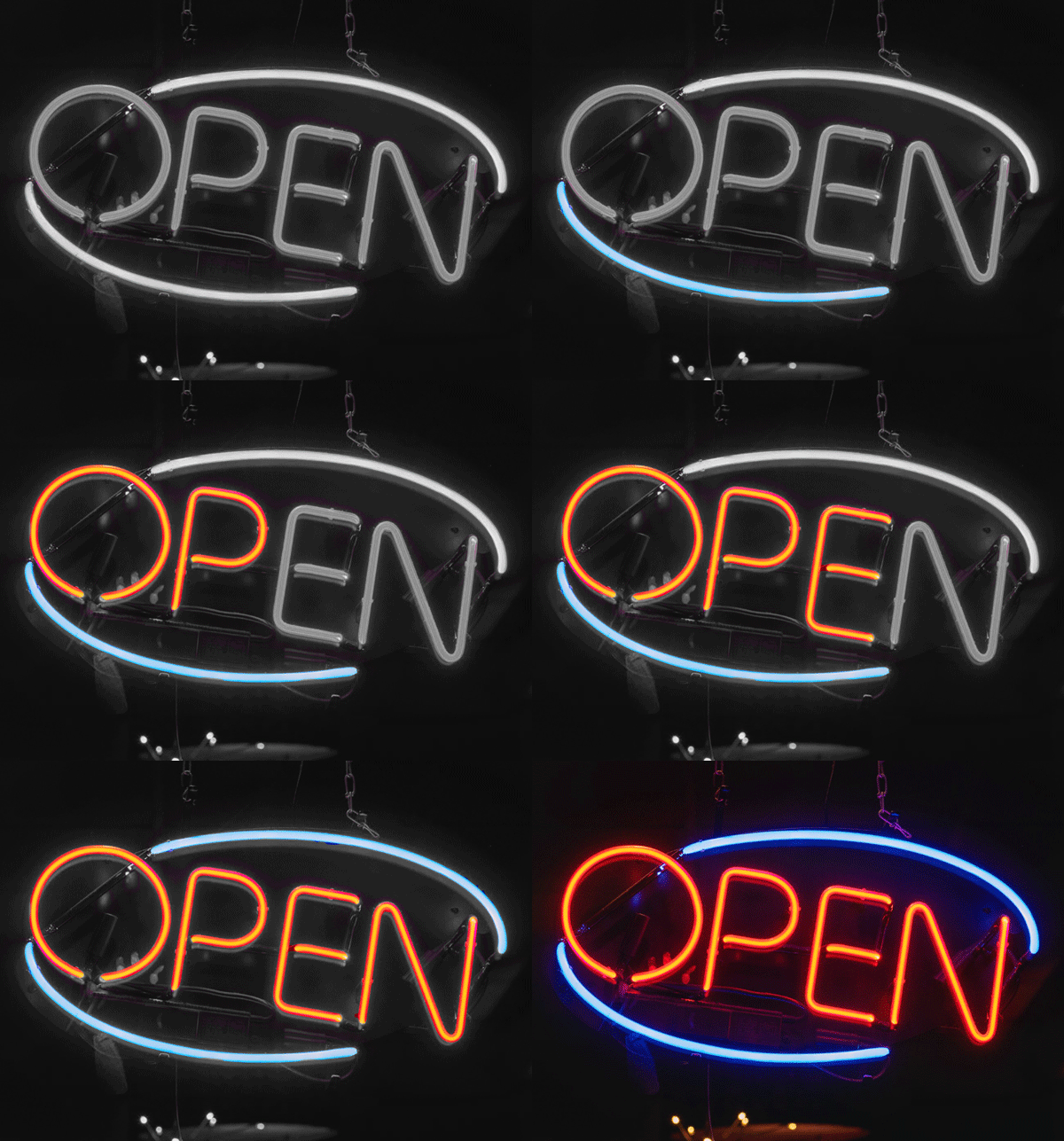
The first I made was a cut out of a neon sign! Using Photoshop, I masked each letter of the sign and used color editing tools to make the sign look like it was off before slowly turning. I didn’t want the GIF to be super complex, just something that could slowly build into more! It was fun either way.
Onion Skinning: A Little Campfire
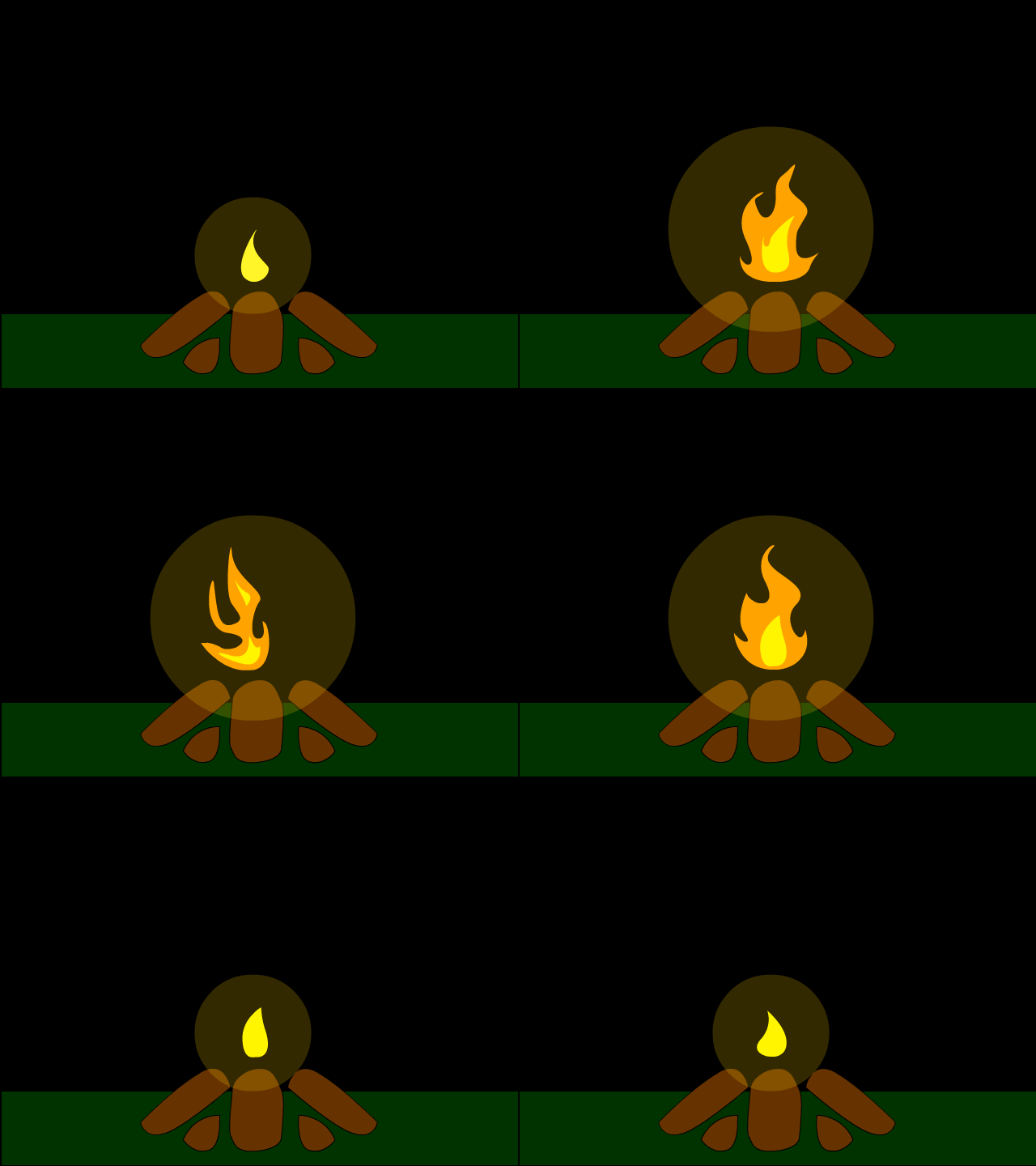
For this small GIF, I used Adobe Animate! Using onion skinning, I could see what the previous frames were, and naturally progress throughout the GIF. This idea came from a previous project I had done, but sadly at the time, I was not skilled yet with GIFS. So this idea felt just right for the project, and by being able to see the previous frames in Animate, I could easily see what I was missing! It was super fun!
Learning Tweening: Traveling Space!
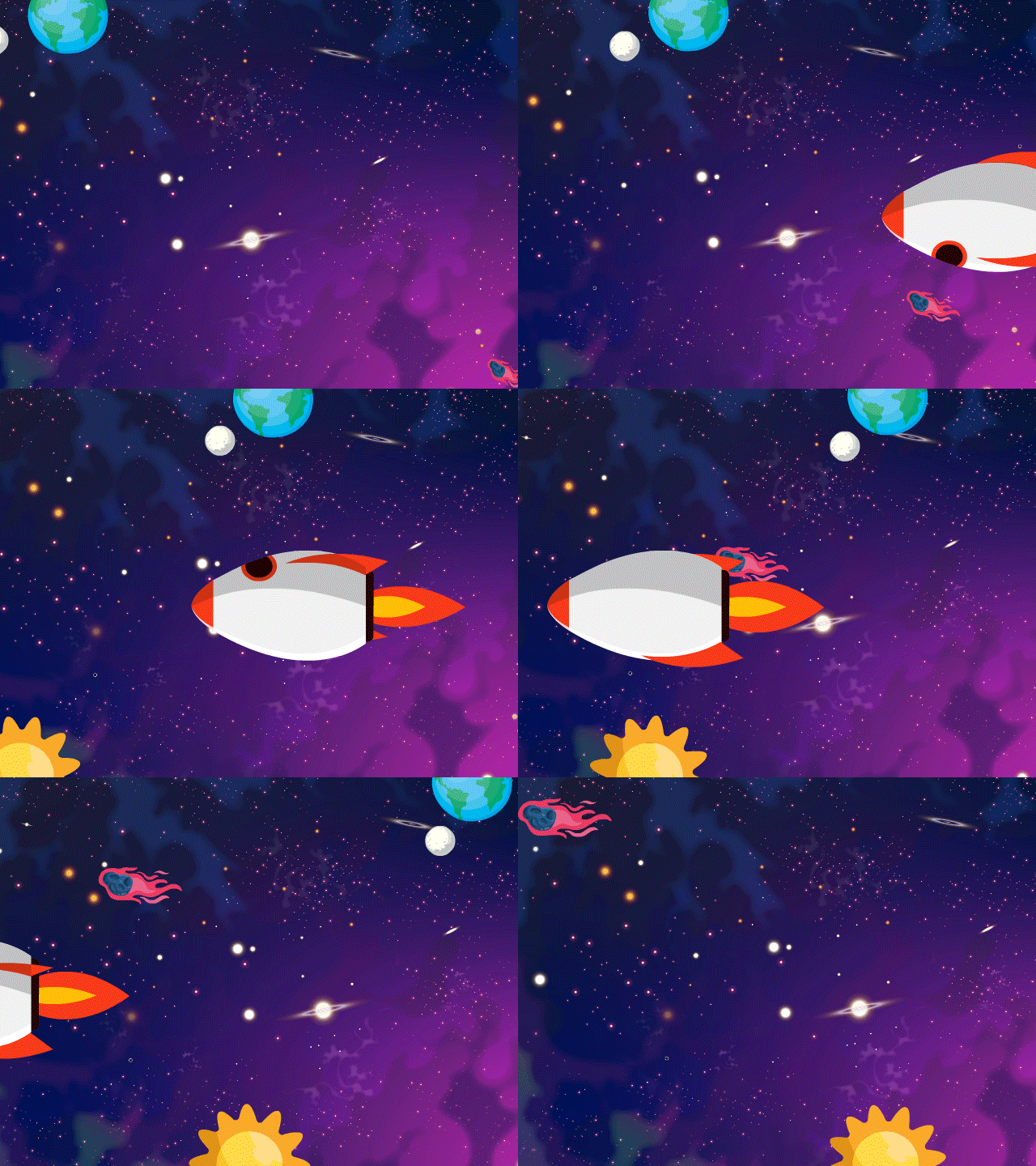
The last GIF I focused on involved tweening! This meant that each animation is done by the system rather than by hand. Using Adobe Animate and creating space elements, I wanted to explore wat could be done. You can rotate, move, and turn with Animate completely freely, and the final result really shows what can be done!
Overall, this journey of exploring has resulted in a fun learning curve on GIFs and what we can do when we learn about them! So thank you for joining me and I hope you all have a great day!!
 The Simple Look
Leave a comment