

Today marks the conclusion of my first week creating my digital product, an Art Museum Health Tracker. And the journey has been interesting to say the least. While I’ve faced many trials and the fun of having a cold, I am at the 20% mark of my project, and I wanted to reflect on how much I have done throughout the week’s journey.
The First Step: Sketches
My week began with brainstorming concepts and ideas. What could I make? I began filling up pages with sketches and lists of ideas that could become part of the tracker. For example, I drew out sections for a museum page, an art type page, a calendar, and even rating systems so people could reflect on their artwork. I also wrote down important questions like:
- How will people create their work?
- How will they learn?
- How much content should I add?
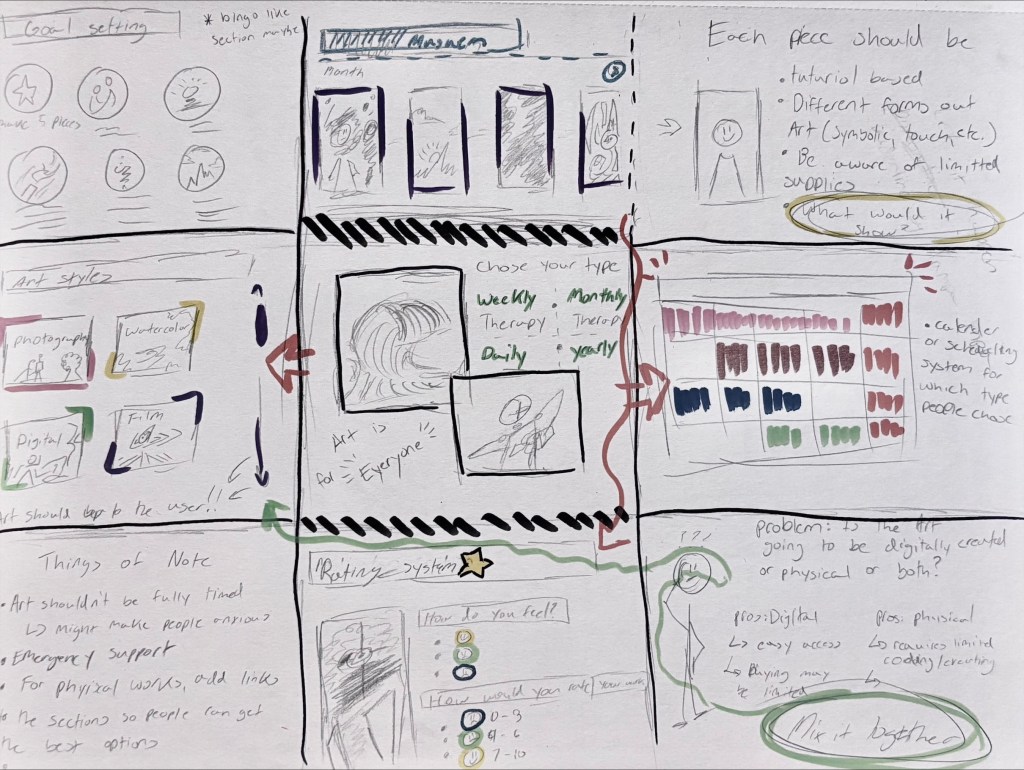
To help organize everything, I created a 9-column chart that mapped out different concepts. Even though the concepts were limited, I had a good understanding of where I was headed: making tutorials and learning new programs.
Tools of the Week: Canva and Notion
The two main programs I used this week were Canva and Notion.
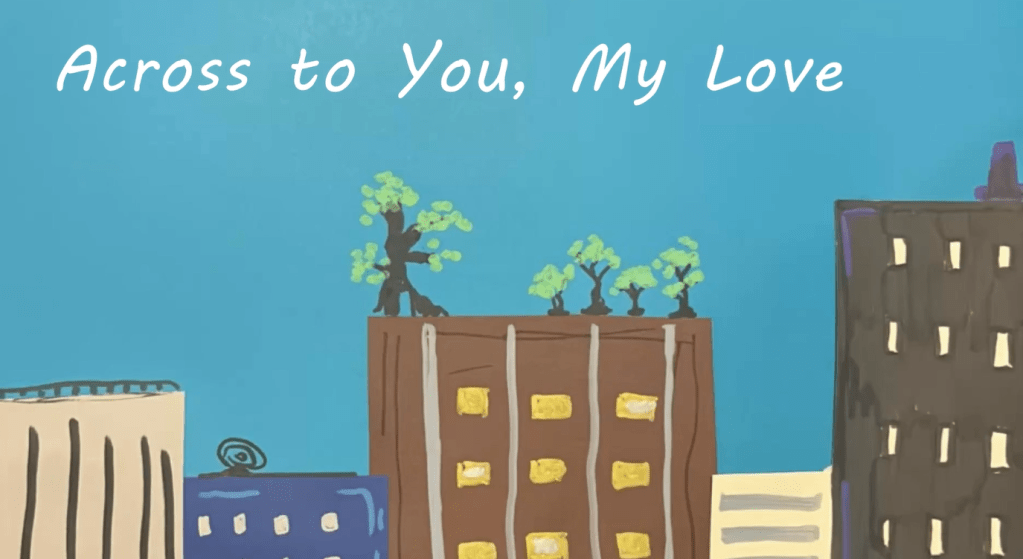
I first started with Canva. The program offers colorful tools, stickers, and endless options to make things look creative. I focused on making drafts of art instructions for beginners in the tracker, and even parts for those who want to create whatever they please. Below is the watercolor example. The draft looks nice, but I’m still looking for improvements.
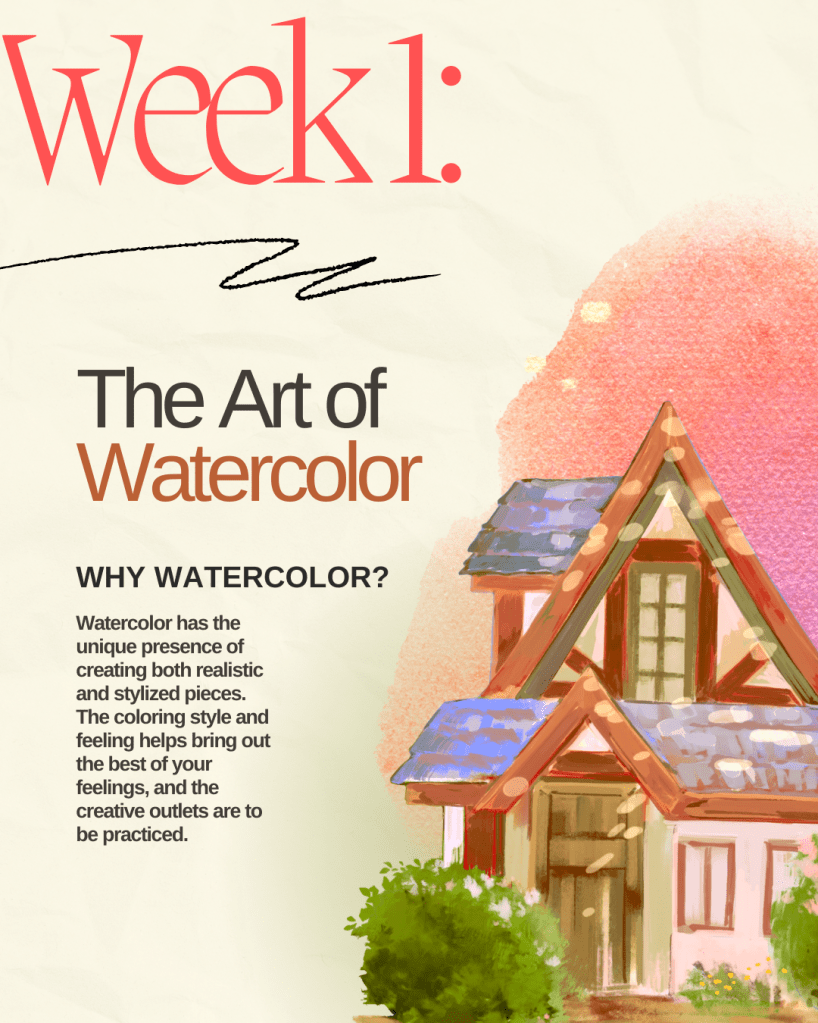
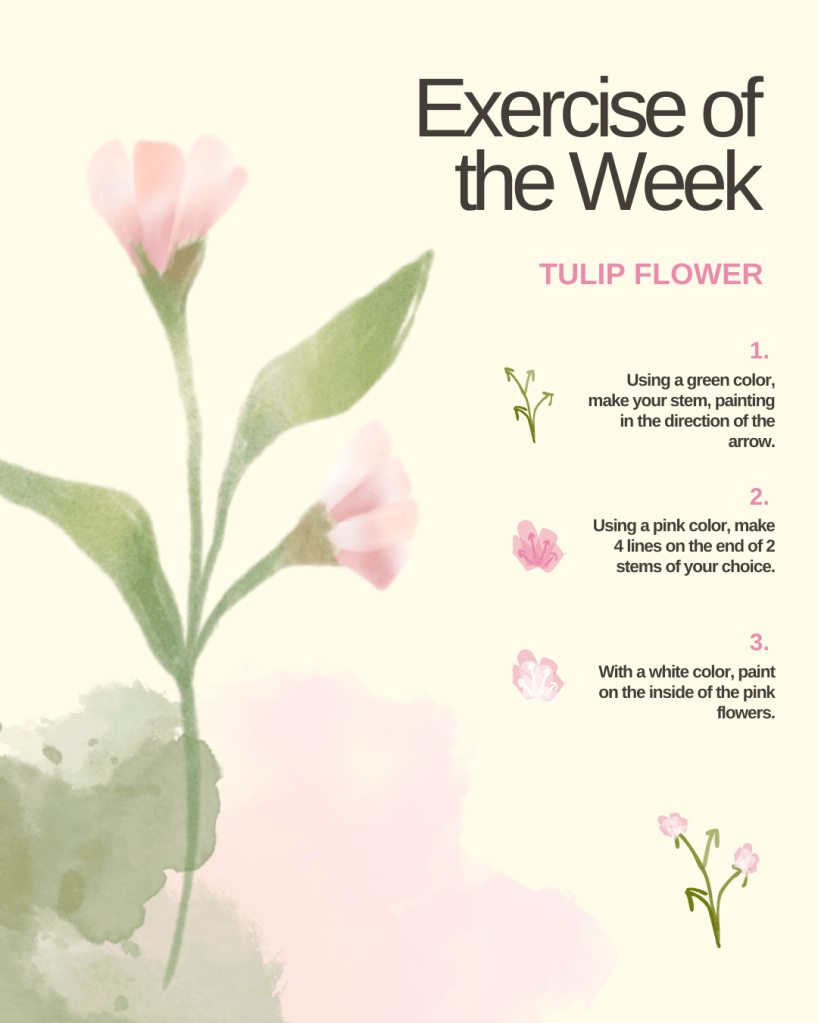
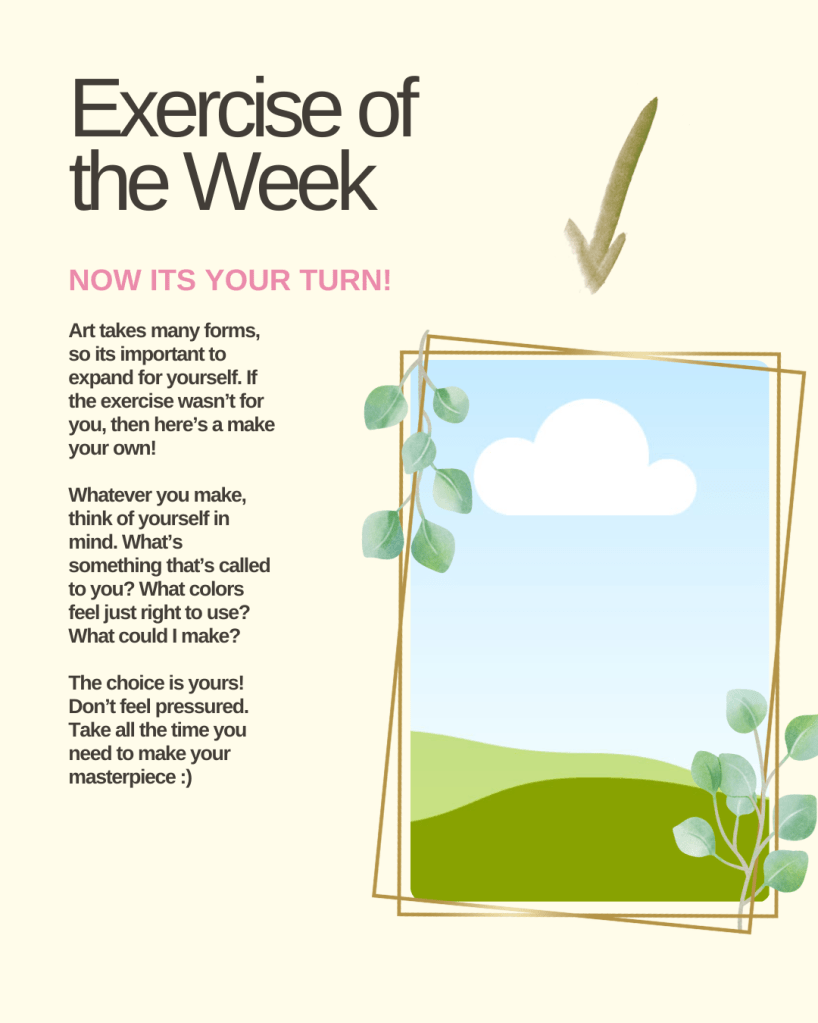
The downside of Canva is that some features cost money through Canva Pro. I’m also not sure how to track detailed data through Canva. For example, how long someone painted in the program. Either way, Canva feels like the strongest option for visuals.
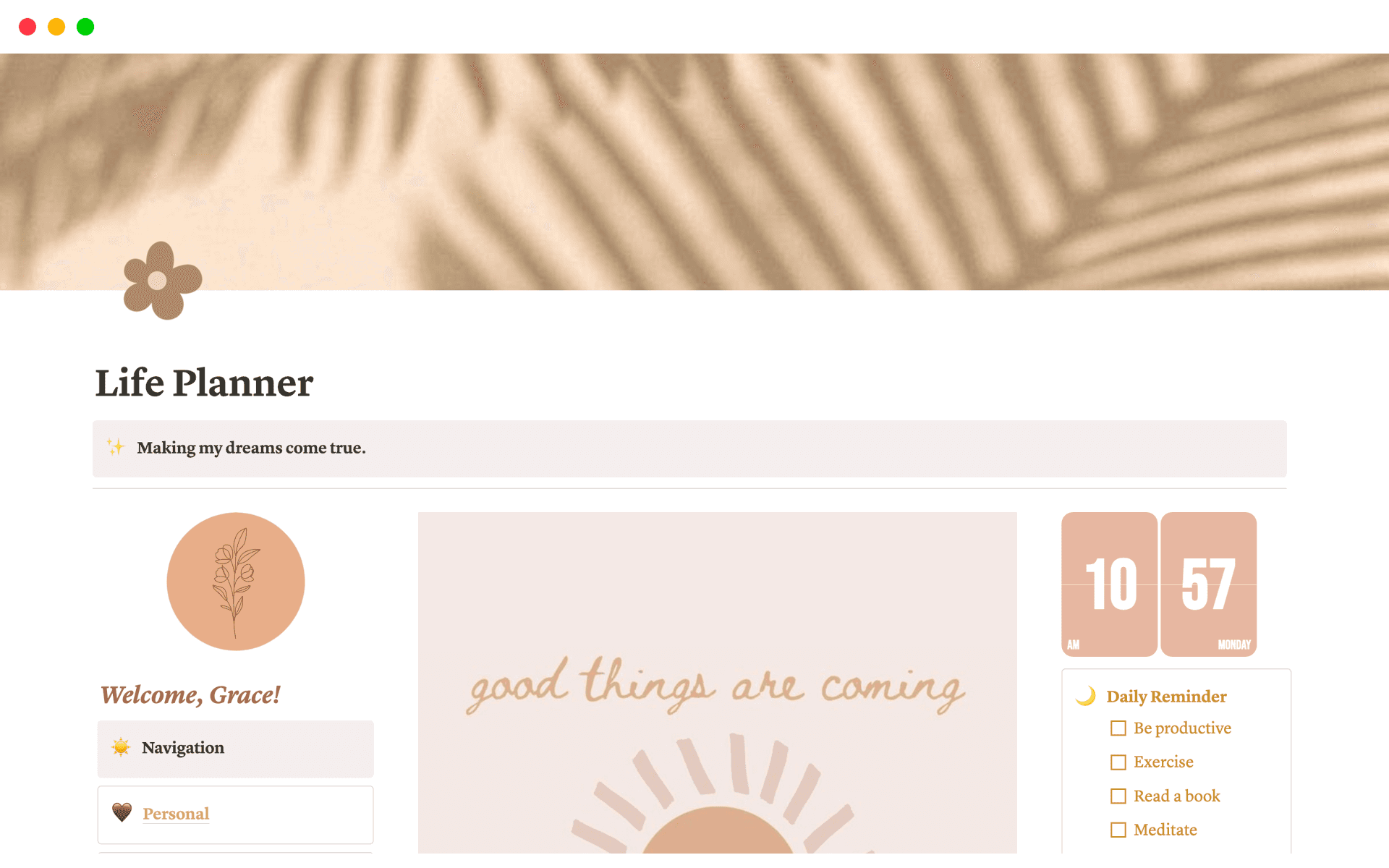
That’s when I discovered Notion, and honestly, it surprised me. At first, I thought Notion was too simple, but after watching tutorials like How to Get Started in Notion or How I use Notion as a College Student, I realized it’s perfect for dashboards. I could make sections for each type of art, add calendar/journal options and even possibly embed Canva designs into it.
The only problem? Notion only has three fonts to choose from, which makes the style a bit limited. But I plan to look into solutions soon. Still, Canva and Notion might be the winning combo for this project.
Challenges Along the Way
One of my biggest challenges this week was learning to keep things simple. I love making all my ideas, but I sometimes go overboard. If I tried to make every single idea happen, I’d be working on this project forever. Instead, I had to admit that simpler steps would get me further.
Another challenge was figuring out how the museum setup would work. At first, I wanted art to be displayed like a gallery wall, but when I thought about how to track things like time or mood, the idea got too complicated. So I decided. Canva makes the display part easy, but Notion makes the tracking easier. I found some tutorials that could even help with combining the two.
I also decided to leave Figma behind. It’s a great tool, but especially for my second option, a Craft Exercise Dashboard, it would take too much time to build everything by hand. I’d rather use programs like Notion that help me move faster with things like transitions and formatting.
Reflections and Next Steps
Looking back, I’m proud that I managed to cut down my ideas into something simpler. That’s always been hard for me. Doing everything at once would only lengthen the three weeks we have. Now, I can step back and feel good at what I made.
Next week, I plan to focus on building all the main pages in Canva and Notion to see how they fit together. I know what they will look like thanks to the previous sketches. On top of that, I’m curious about trying Procreate or other digital art programs to add new ways for people to create, since digital art is limited in the art therapy world and such a feature may make my tracker stand out.
I feel like I’m getting into a good rhythm. Now that I am learning my tools and simplifying my ideas, I’m setting myself up to move faster in the weeks ahead. See you all in a week for part two of progress!
 The Simple Look
Leave a comment