

Working on a project isn’t always easy. It can be not easy managing our time and work without a schedule or some system. I have noticed that I often plan poorly without a schedule. I decided to do something about it. I discovered a project management system for my class, to see if it would help me out with managing my work. Using this system, I have had an easier and more effective time managing my work schedule. But how did my system change from poor to good? Well, let’s talk about it.
What makes Project Management important?
Managing our work comes down to one category, project management. While project management can be defined in several ways, I am using the definition from The Project Management Institute:
“ Project management is the application of knowledge, skills, tools, and techniques to project activities to meet project requirements. It’s the practice of planning, organizing, and executing the tasks needed to turn a brilliant idea into a tangible product, service, or deliverable.”
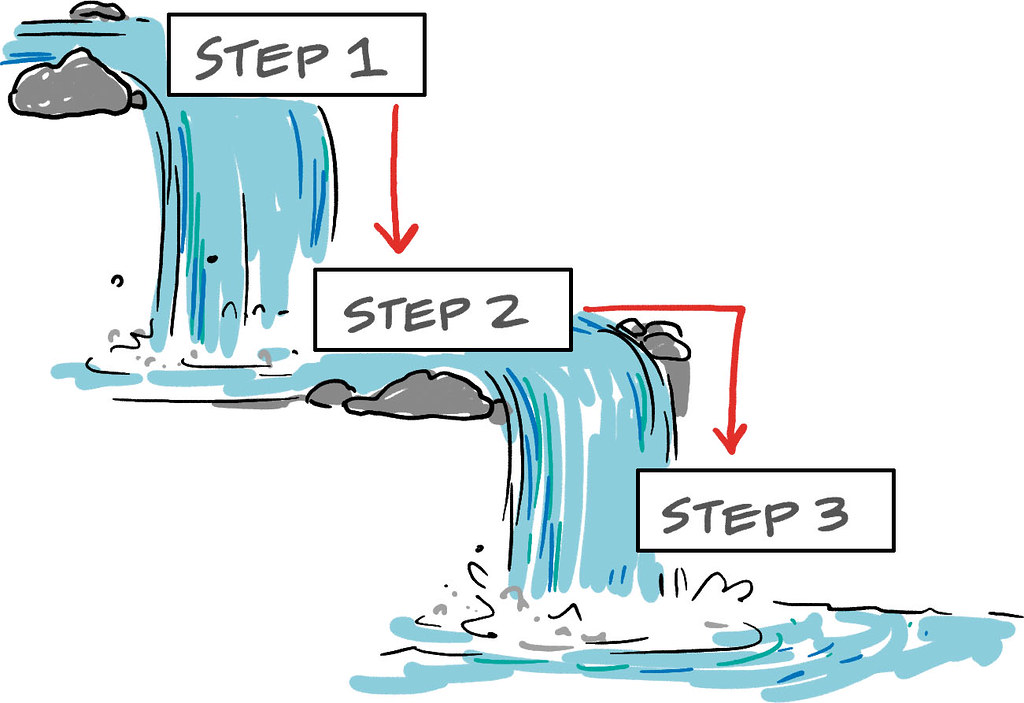
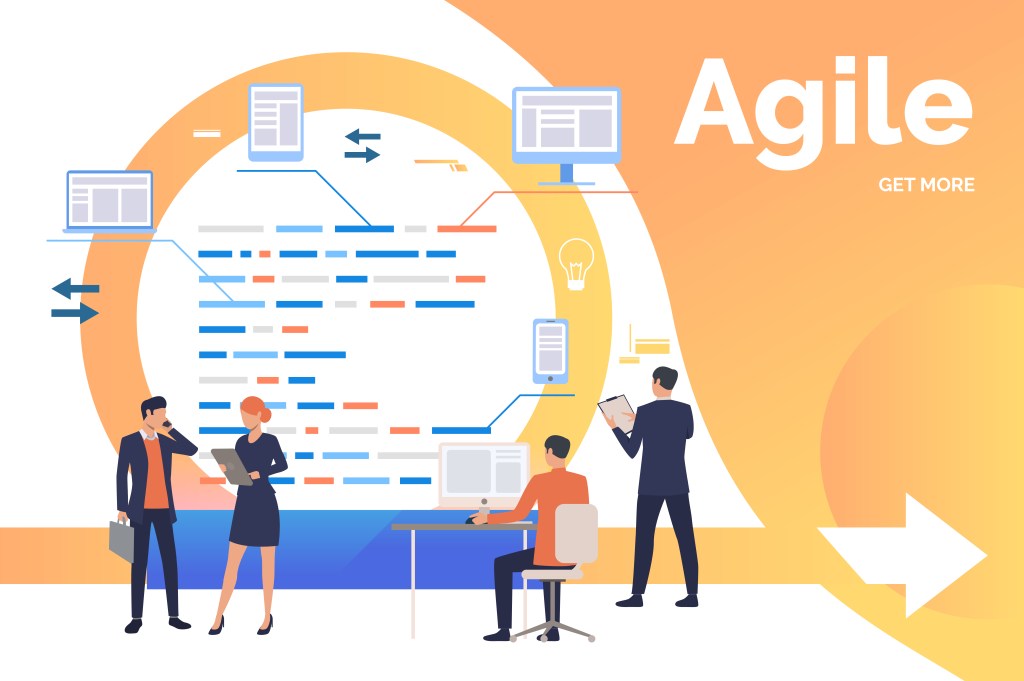
Proper project management is critical because it helps people figure out the best ways of handling their work. Project management then takes all of our tasks and goals, and uses different methods to allow us to properly manage workload. One of the best parts about project management is that multiple systems can be used depending on your preferences. For example, the image below shows two examples of project management: Waterfall and Agile systems. The Waterfall system works like a waterfall, having each task lead into one after the other. Meanwhile, the Agile System involves planning, designing, developing, testing, reviewing, and launching the product. In the end, you can either go back to look at what can be improved or just be done with the project. There are so many different systems to try!
However, the main setup of my project management system was a mix of two cycles: Kanban and the project life cycle. Kanban is a visual setup system that has areas like “To Do”, “In Progress” and “Completed”. I liked the organization of this system and made it easier to organize individual tasks. The other framework, project life cycle, I learned about in Kissflow’s 5 Phases of Project Management – A Complete Breakdown article. It discusses the 5 phases of project management: Initiation, Planning, Execution, Monitoring and Controlling, and lastly, Closing. This system works well too because each stage makes you go into in-depth planning which gives a broader understanding of how to handle major projects. So combining Kanban and the project life cycle was the best method for me.
How I Made My System: Trello!
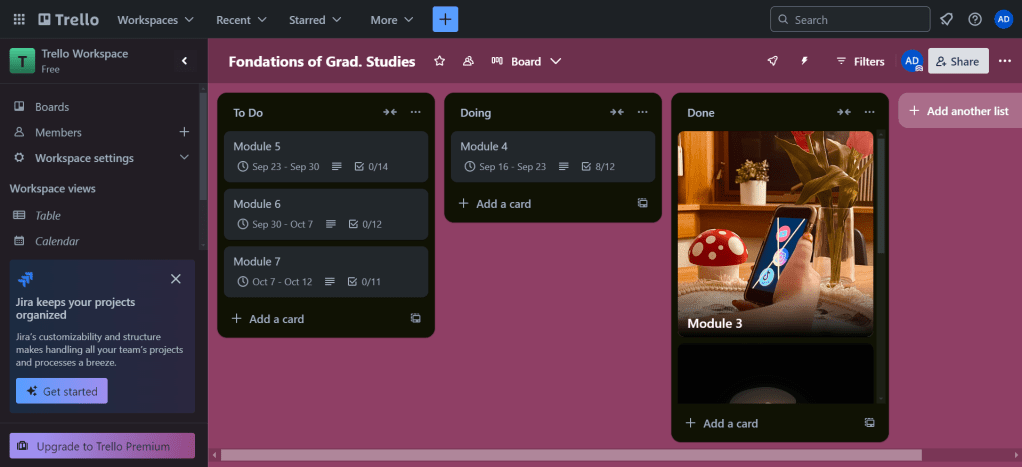
The best system that worked for me was Trello. The site is a project management system website with several cool features and ways to create your project system. The main setup has three groups: To Do, Doing, and Done. The To Do section has the work you plan to do for the future. The Doing section has the work you are currently doing/focused on. And lastly, in the Done section, is completed work. You can add items like images, due dates, scheduled events, and so much more.
The way I set tasks up in each module is with a checkbox system. So each time I completed a task, I would check off the task, and then immediately start the next one. I also put the tasks in order of easiest to hardest. So for example, making the blog image is easier for me than physically writing the blogs. So that task is one of the first checkboxes and writing the blog is further down the list. Most of the checkbox lists are anywhere from 11 to 14 tasks. I find this system a lot easier because it feels rewarding to check off each task. It also allows me to focus on one task at a time so I don’t get overwhelmed. Here’s what the main page looks like! I would recommend anyone starting to create a project management system. The site is completely free and can hold 10 different project management systems.
The Result
I am super proud of my project management system. I have been trying it for 3 days now, and it’s honestly really helpful when handling the individual modules. Having a time frame of what to do, when to do it and what is currently in progress or done was extremely helpful for me. I don’t like being all over the place, especially with my work so Trello was super beneficial. Project management as a whole has also been useful for me. Seeing the unique ways I can handle my tasks was extremely useful in the long run. I will continue using this system, and I highly recommend you start using a project management system more often.


 The Simple Look
Leave a comment